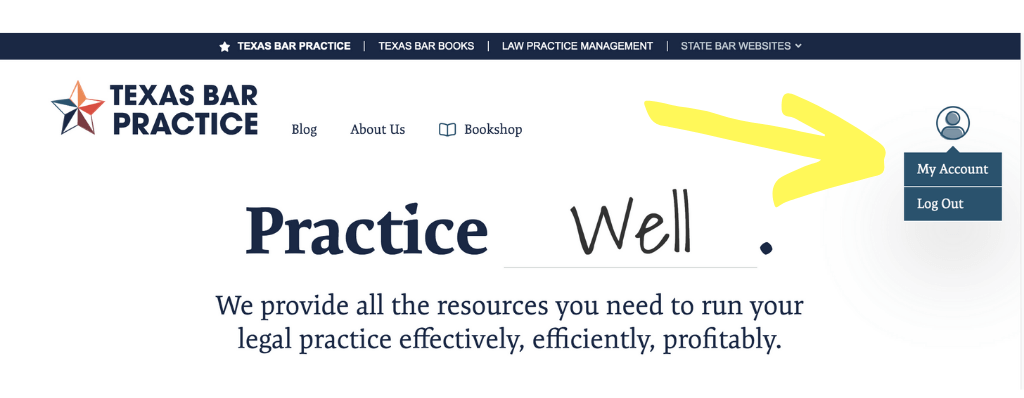
To update your payment method for a specific subscription, log in at TexasBarPractice.com and navigate to your Account page.
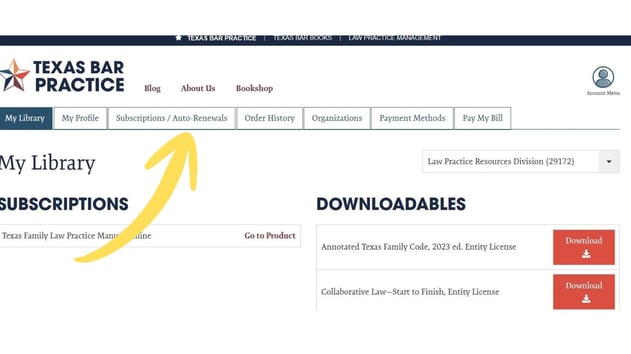
Select the Subscriptions/Autorenewal tab.
Select Edit Payment Method.
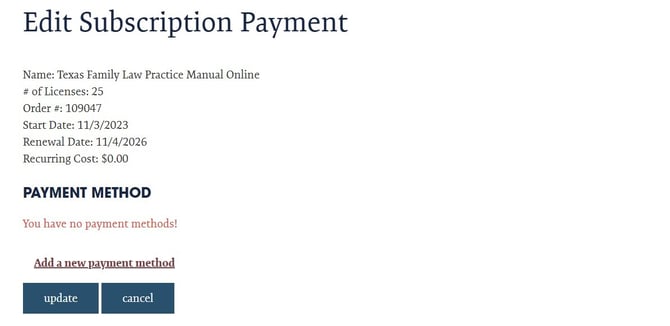
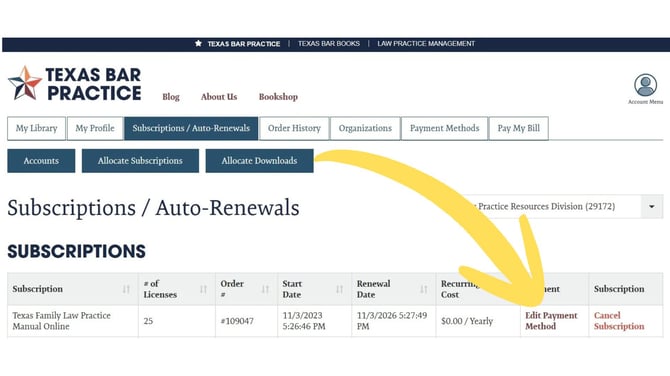 Here, you can edit or add a new payment method for your subscription.
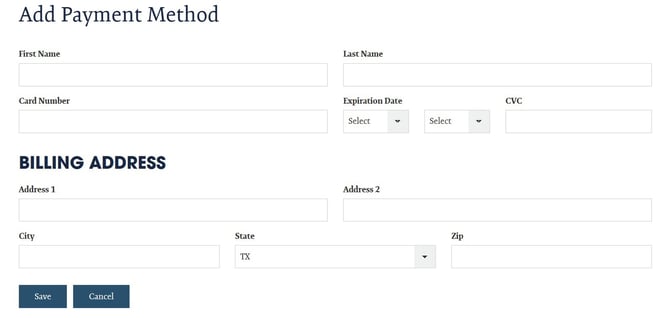
Enter the requested information, and click SAVE.
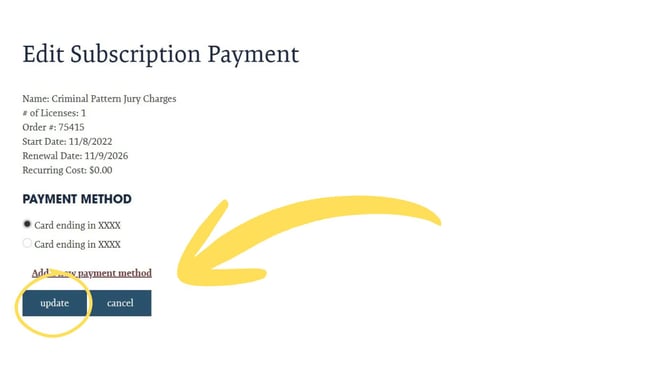
You will be able to select from your available payment methods. Be sure to click UPDATE when you have made your selection.
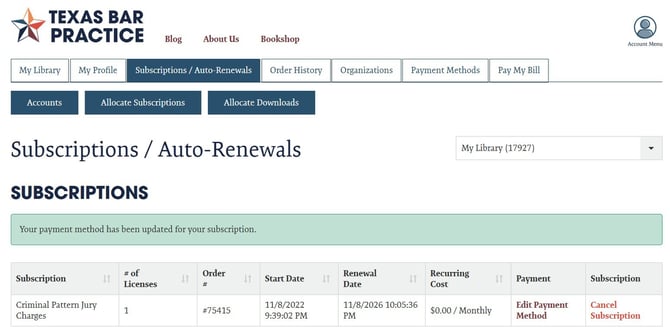
You will see a green notation confirming that your payment method for your subscription has been successfully updated, and your subscription will be once again available in about two hours.